When we have a kick-off meeting for a project, we assign specific team members from each department to work on the project. The project manager is the project owner and the team members from the different departments would be assigned to the different tasks within the project. To track who is on the Project Team, we are going to create custom fields for each department where a user can be selected.
I wish there was a way to group custom fields together (see example below). 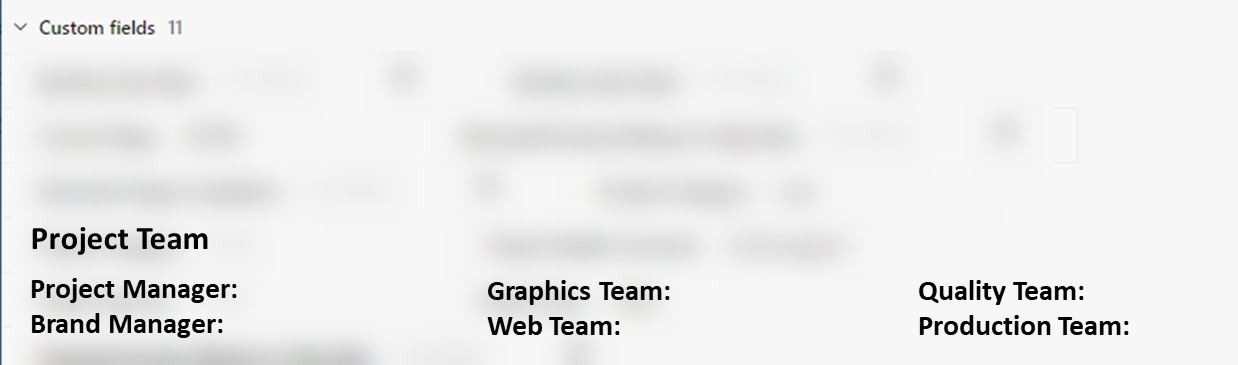
When you open a project, the custom fields are in alphabetical order. I understand that if we were to view the project in table view we could make the Project Team filters show and rearrange the columns, but they aren't columns we would want visible in the table view as that is more for a quick overview of where a project is at. The fields are for reporting purposes and I would want it to be easily viewed when opening up the project view.





