TL;DR: Customize your AI Highlights widgets with natural language and an intuitive editor, enjoy improved visuals and smarter insights, and preview changes instantly. Plus, join the Wrike AI Power Hour Deminar, and check out fresh Community best practices from fellow users!
Feature Updates
You can now customize your
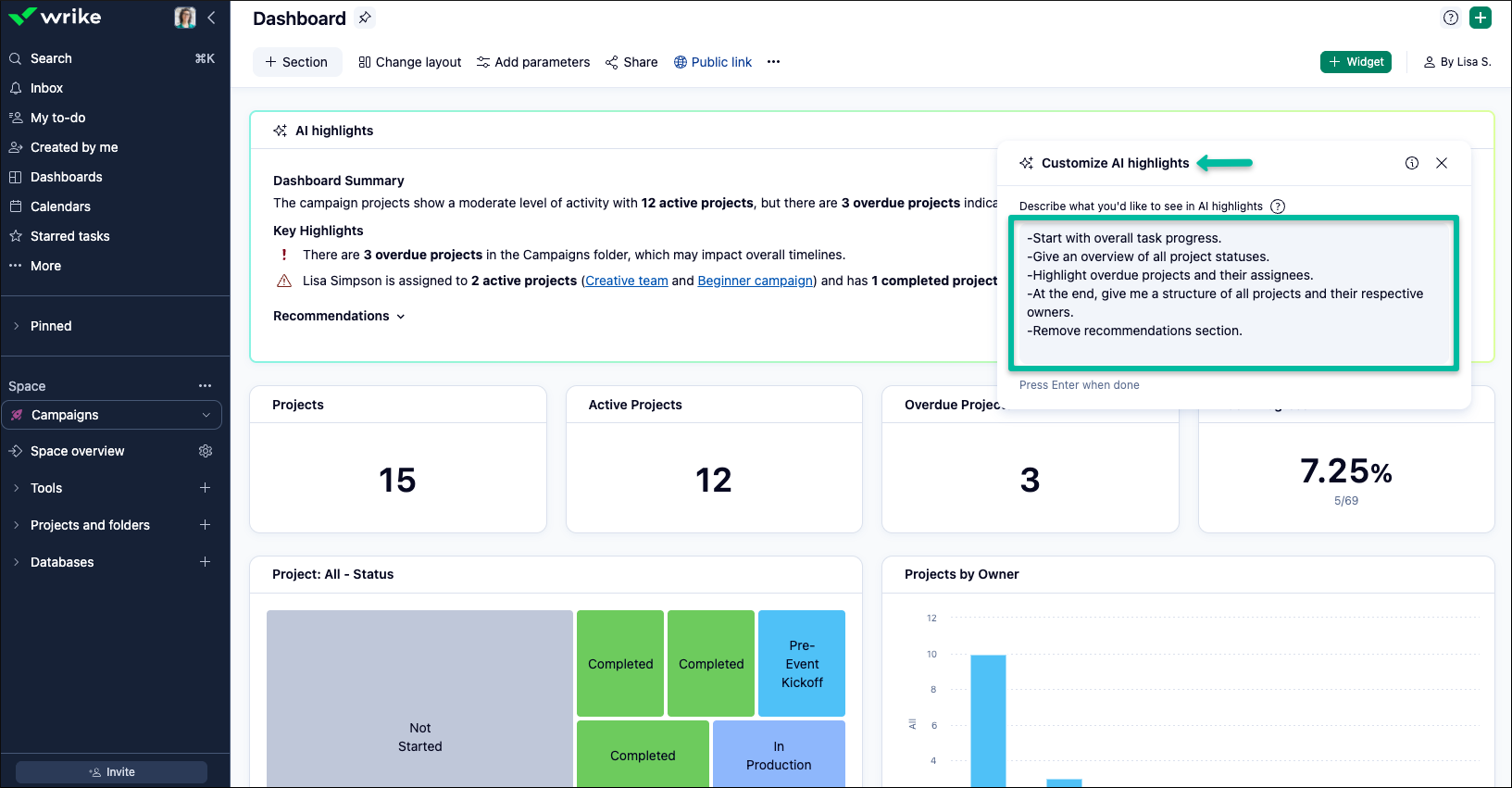
AI Highlights widget for a truly tailored experience. Configure what appears in your widgets using natural language and a simple editor to adjust both visuals and content to fit your needs. Preview your changes in real time before saving, ensuring your widget looks and communicates exactly how you want.
If you prefer to stick with the defaults, you’ll enjoy refreshed visuals with improved formatting, structure, and colorful icons.
What’s new?
- Customize visuals and content using natural language or the built-in editor.
- Preview widget changes instantly before saving.
- Enjoy enhanced accuracy and a smarter AI model for more relevant highlights.
- Improved interface with new formatting and colorful icons, even if you don’t customize.
Try questions like "What should I focus on?", "Highlight projects that are overdue and critical," or "Summarize key topics in one paragraph with statuses italicized." Experience a more intuitive, personalized, and accurate AI Highlights today!