I recently became frustrated attempting to change the colors representing different data sets in my pie and column charts. I failed over and over as the color picker (below) would not save my changes.
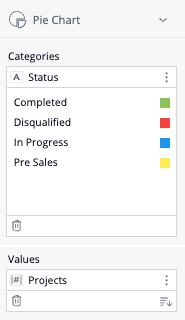
@Jan Reznik from the Wrike Support Team saved the day when pointing out how this behavior is expected as the "Project Status (Color)" data I was using as "Break by" is designed to directly reflect the status color defined in the workspace workflow; therefore, it didn't change when I was editing the color in the widget setup. To ensure that the colors in my pie and column charts were editable within the widget settings, I needed to use the "Project Status" field instead, which allowed me to adjust the colors as I wished.
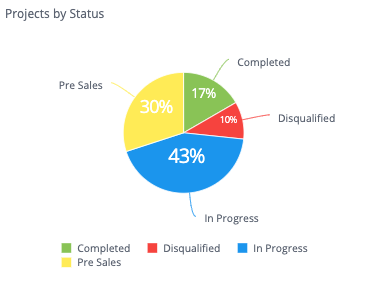
Wanted to share this tidbit here in case anyone else may be experiencing the same!