Hey Wrike Community 👋
Get ready for some exciting news! ⚡️We’re absolutely delighted to announce that our brand-new filters are now live in Wrike Labs for Table view 🎉
This release is happening thanks to your feedback in the following threads and others:
It marks a significant leap forward, offering a seamless, intuitive UI along with advanced filtering options. The new filters are set to empower your organization to unlock deeper insights, enabling smarter decisions and workflows. Dive in and discover the possibilities! 🌟
UX and Simplification Improvements 📈
- Enhanced filtering allows for easier identification of relevant filters in the Table, with any custom fields visible in the table instantly available in the filters list and a readily accessible search for additional fields.
- 'Filter by this field' options are now available directly from the column menu.
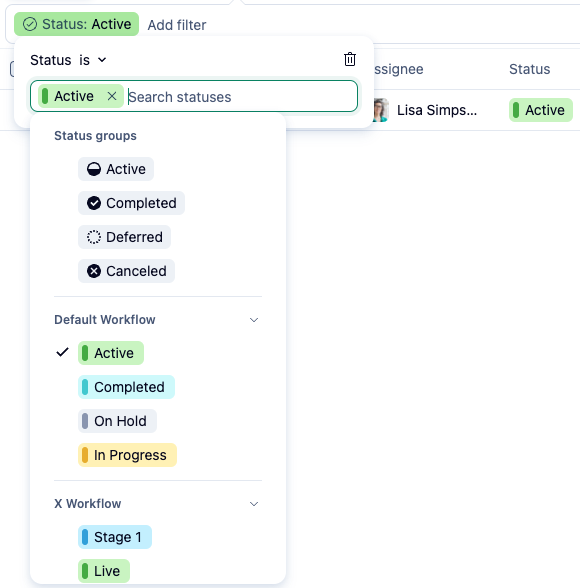
- We've revolutionized the status filter for streamlined use.
New Filters 🛠️
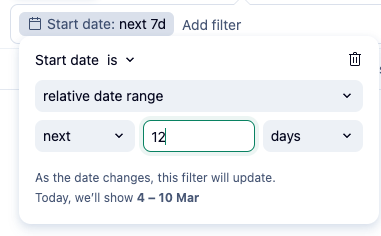
- Relative Date Filters:
Experience greater flexibility in task filtering by using custom relative dates like "next 2 weeks" or "last 20 days," extending beyond the basic options of "last week" or "next month."
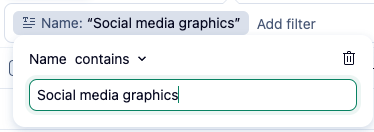
- Filter by Name:
Quickly find tasks and projects by their titles.
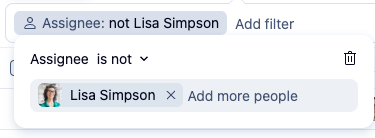
- Negative/Exclusion Filtering:
Use "IS NOT" or "Doesn’t contain" to exclude specific values or terms.
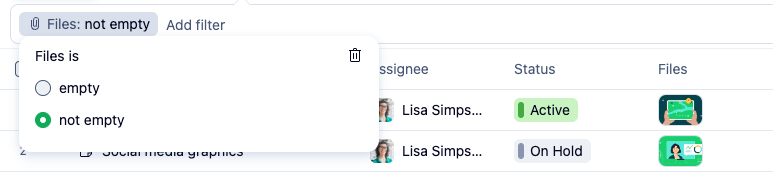
- Filter by Files:
Filter items based on whether they have attached files or not.
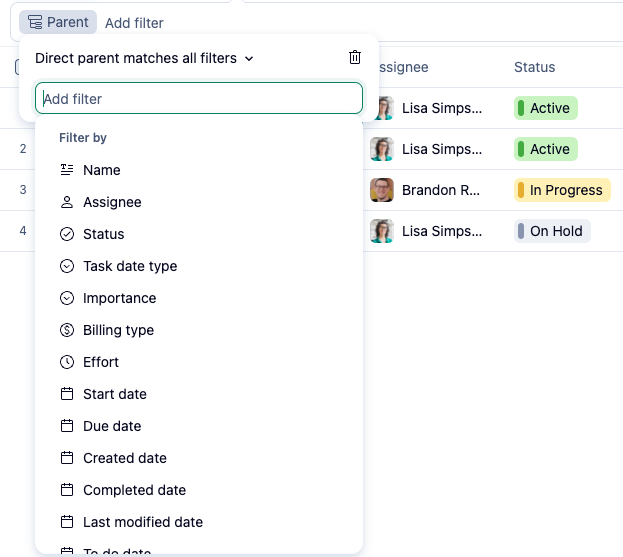
- Parent Filters:
Filter items by the properties of their parent tasks or projects.
- Calculated Custom Fields (Formula):
Create filters based on computations from custom fields for advanced data analysis.
- New Status Filters:
-Easily pick and apply statuses from relevant workflows.
-Streamline your search by focusing on status names alone, without the necessity of knowing their workflow names. This ensures that you can quickly find the status from any workflow.
We are eager for you to explore and leverage these new filtering capabilities to drive even more productivity and precision in your workflows. Head over to Wrike Labs 🧪 to try out new filters today! And don’t forget to share your feedback 👇