Hi Community! 👋
We are very excited to announce the enhancement that many Wrike users have been looking forward to - Custom Field values mass editing in the Table VIew! 🎉
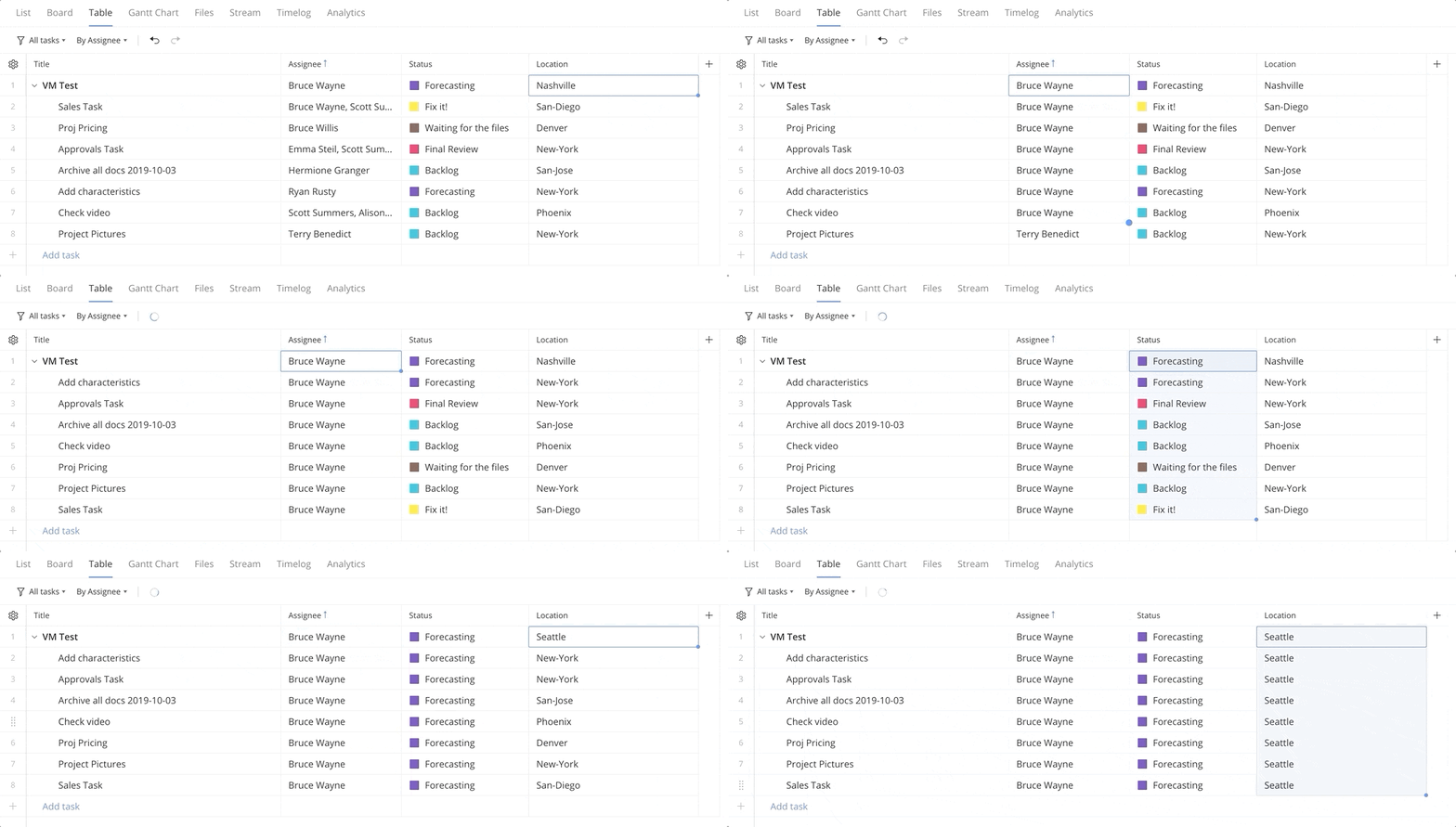
You can now mass edit cells in the Table view by dragging the needed value (or values) per column.
Here’s how to do it:
- Click the cell in a column you want to fill in. To select several cells in one column, hold your mouse button and drag the cursor down the column, selecting cells as you go. Release your mouse button when you're done.
- Click the small square icon in the right corner of the cell(s).
- Hold your mouse button and drag the cursor to the needed cell.
Your feedback is very welcome - please let us know what you think below 👇