The visibility of Custom Fields under the "More Fields" dropdown in the side panel of an item is frustrating. If I create a Custom Item Type with no fields visible in the side panel, I would expect that none show up, but that is not the case and I don't understand why?
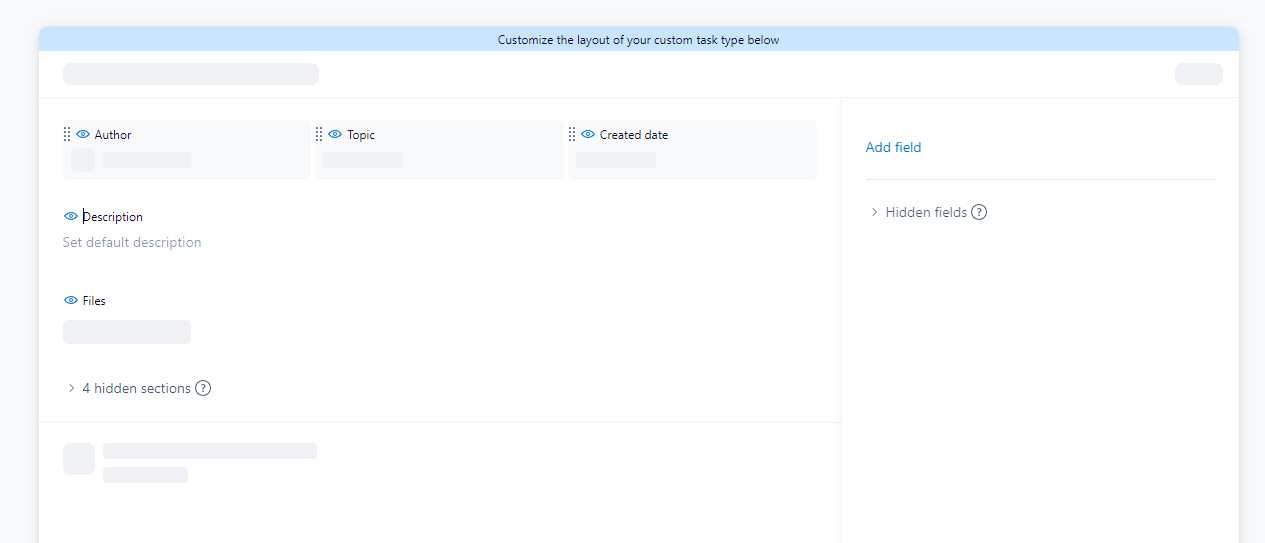
So here I have a Custom Item type with just three fields in the top area, and nothing in the side menu
When I create a task from this item type, there is nothing in the side pain, but the More fields button is there and can be expanded to show all the fields that are in the space.
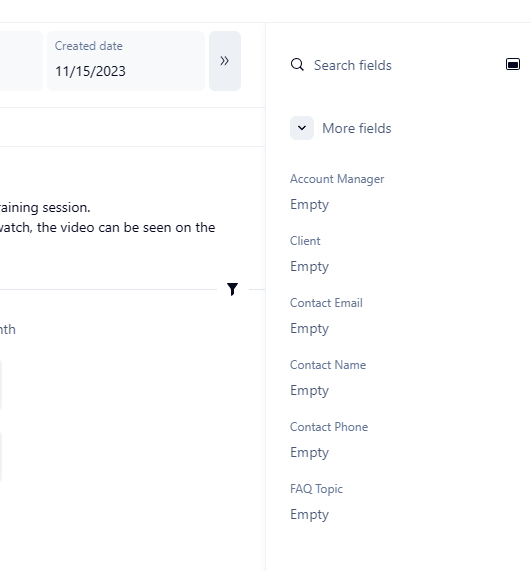
Why? This just seems messy and confusing. If I don't put the fields in the Custom Item Type, then I don't need them in that type of task. They should not be there.